Project notes and conversations that stay with the record
Site observations, coordination notes and the questions that come up between the field and the office belong to the job, not to a group chat on somebody’s phone. In Review.Live a note is written in the project, a comment is written on the photo, report or ticket it is about, and both stay there — with who wrote them and when — for the life of the project.
It is not a replacement for your chat app. It is where the conversation about a record lives, so the person who opens that record a year later reads the discussion with it.

Project notes the whole team can find
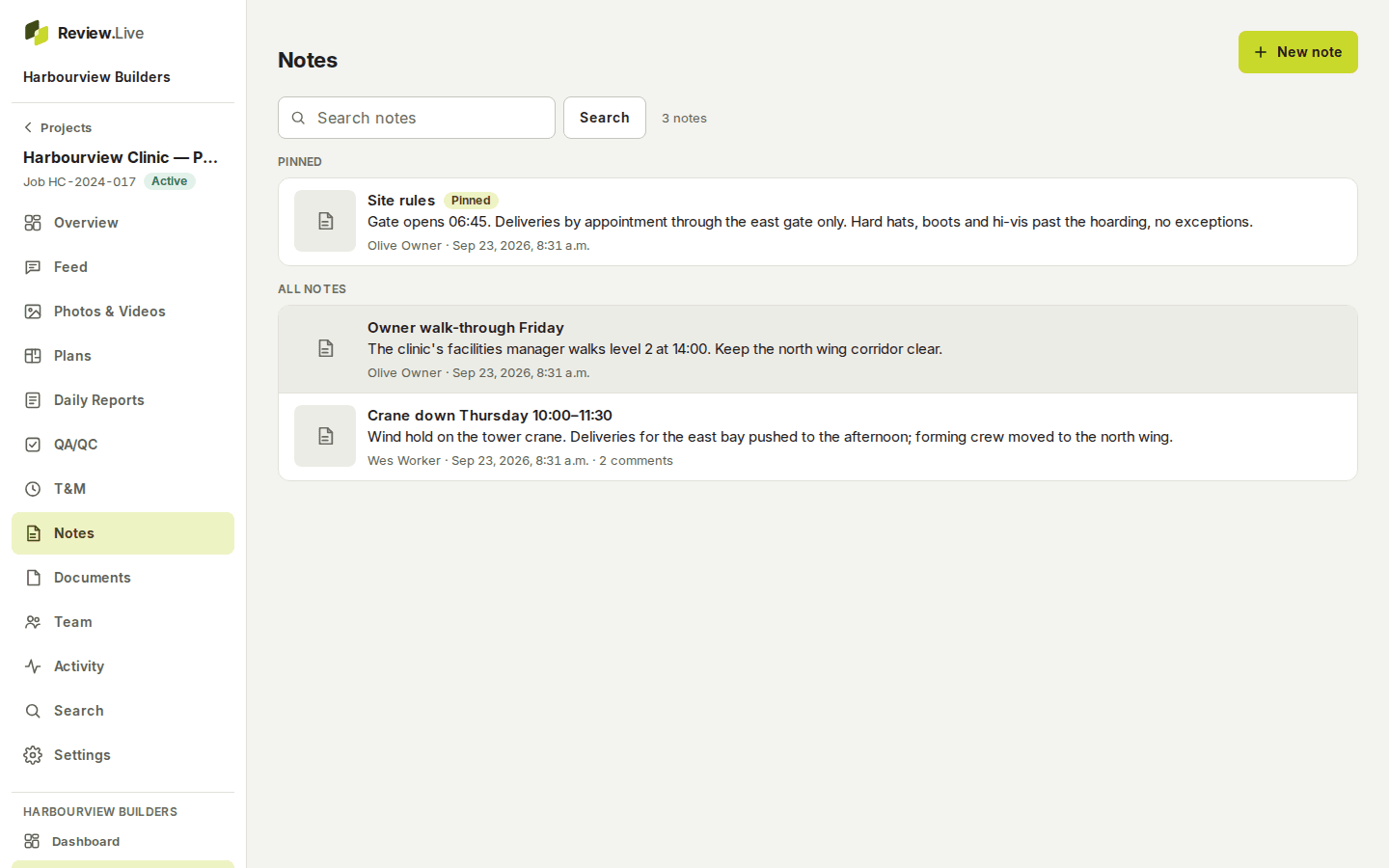
A note has a title, a body and tags, and it can carry photos — ones already in the project, or a new capture that attaches itself when it finishes uploading. A project manager pins the notes everyone should see first; pinned notes also appear on the project’s overview.
Editing a note keeps its earlier versions, and deleting one is recorded in the project’s activity. Notes are written on the device first, so one typed in a basement with no signal is sent when the connection comes back — once, never twice.
Comments on the record itself
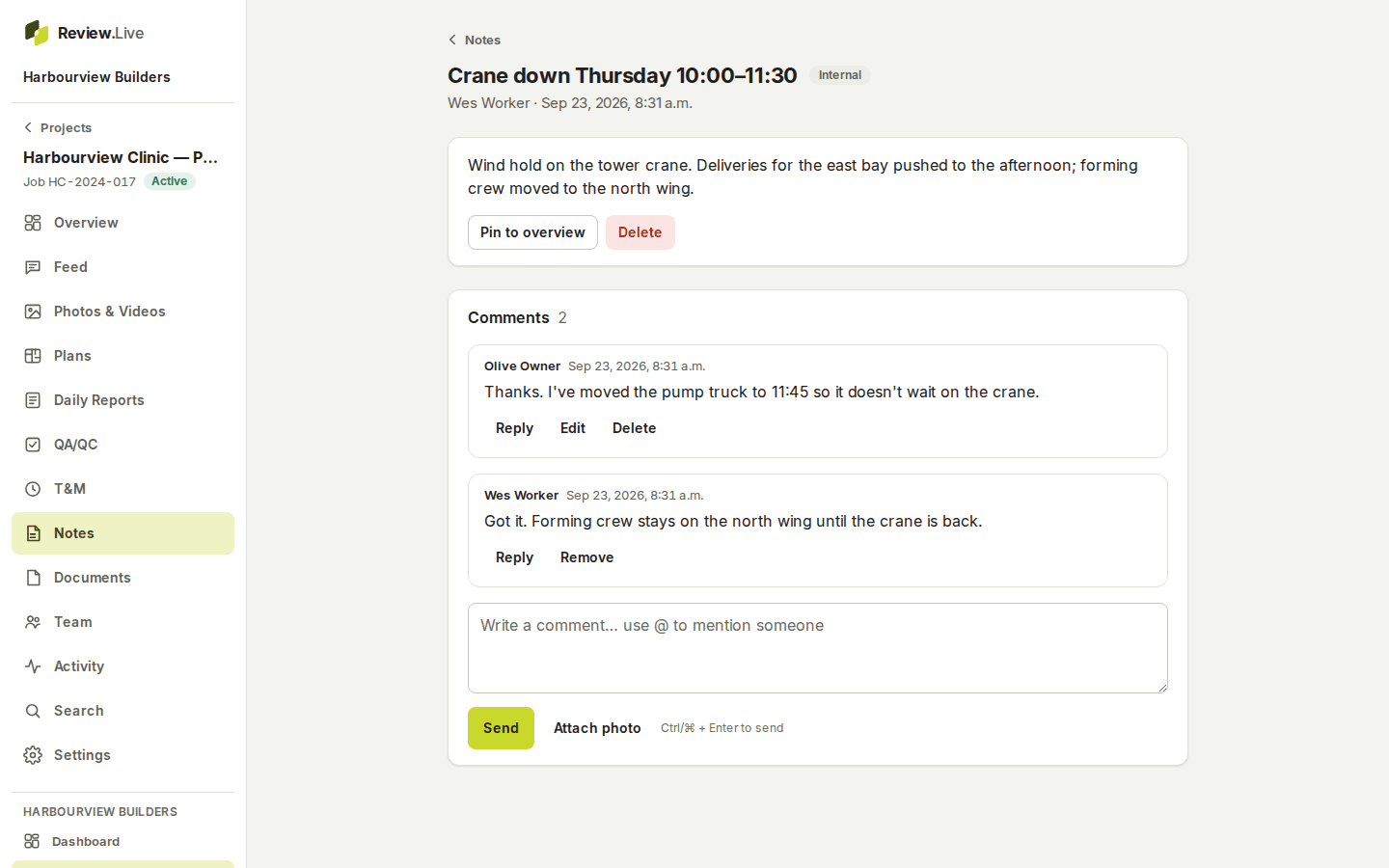
Comment on the project as a whole or on the thing you are talking about: a photo or video, a note, a spot on a plan sheet, a daily report, a QA/QC inspection, a T&M ticket or a document. Replies are one level deep, so a thread stays readable on a phone.
An edited comment keeps its previous version and says it was edited; a deleted one leaves “Comment deleted” in its place, so a conversation keeps its shape. A comment is never more visible than the record it is attached to.
@mentions and notifications, without new access
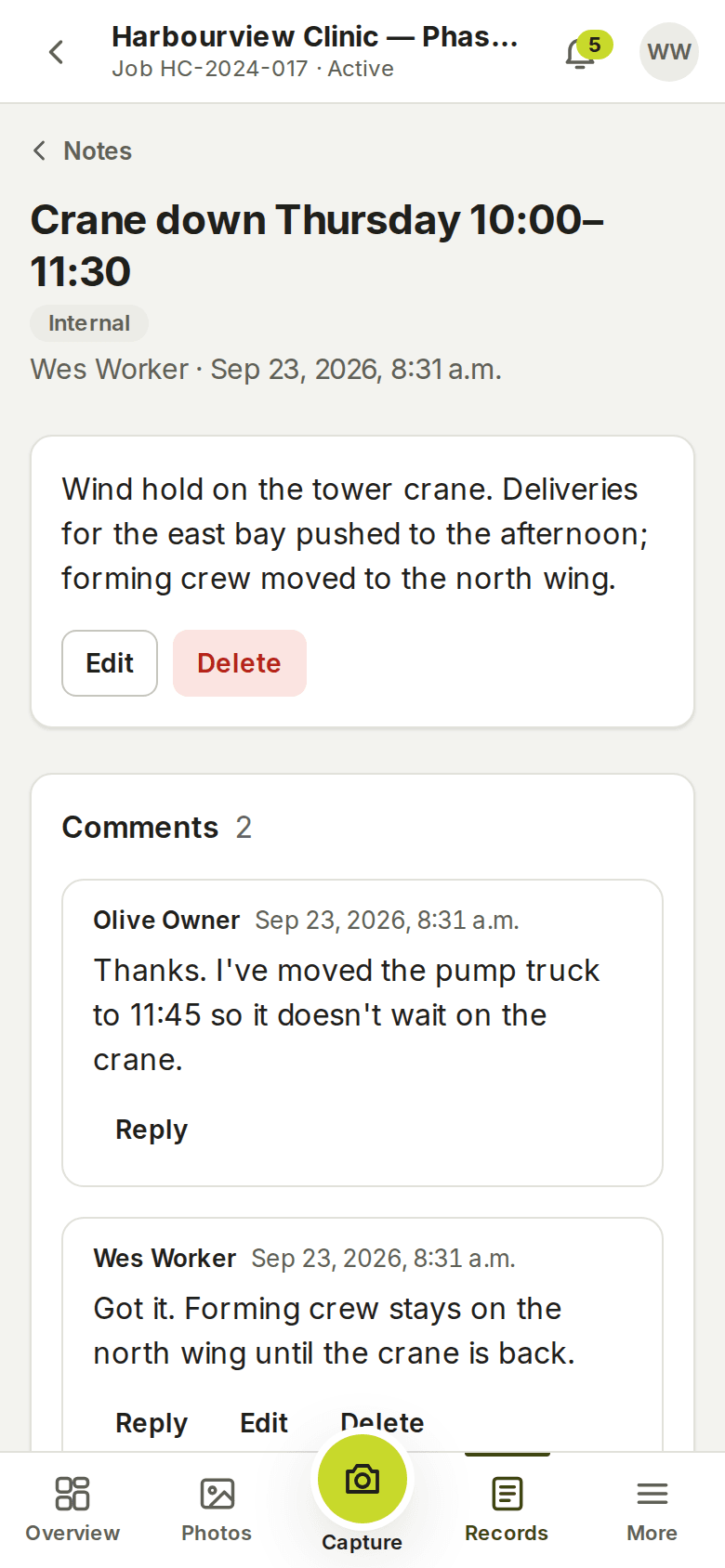
Type @ and pick from the people who can already see the project. The person you mention is notified in the app and, if they want it, by email; each person chooses kind by kind what reaches them, or turns email off. A mention never gives anybody access they did not already have.
The company dashboard counts your unread mentions and new comments, and the notifications page lists them with a link straight to the record.
The feed, and search across everything
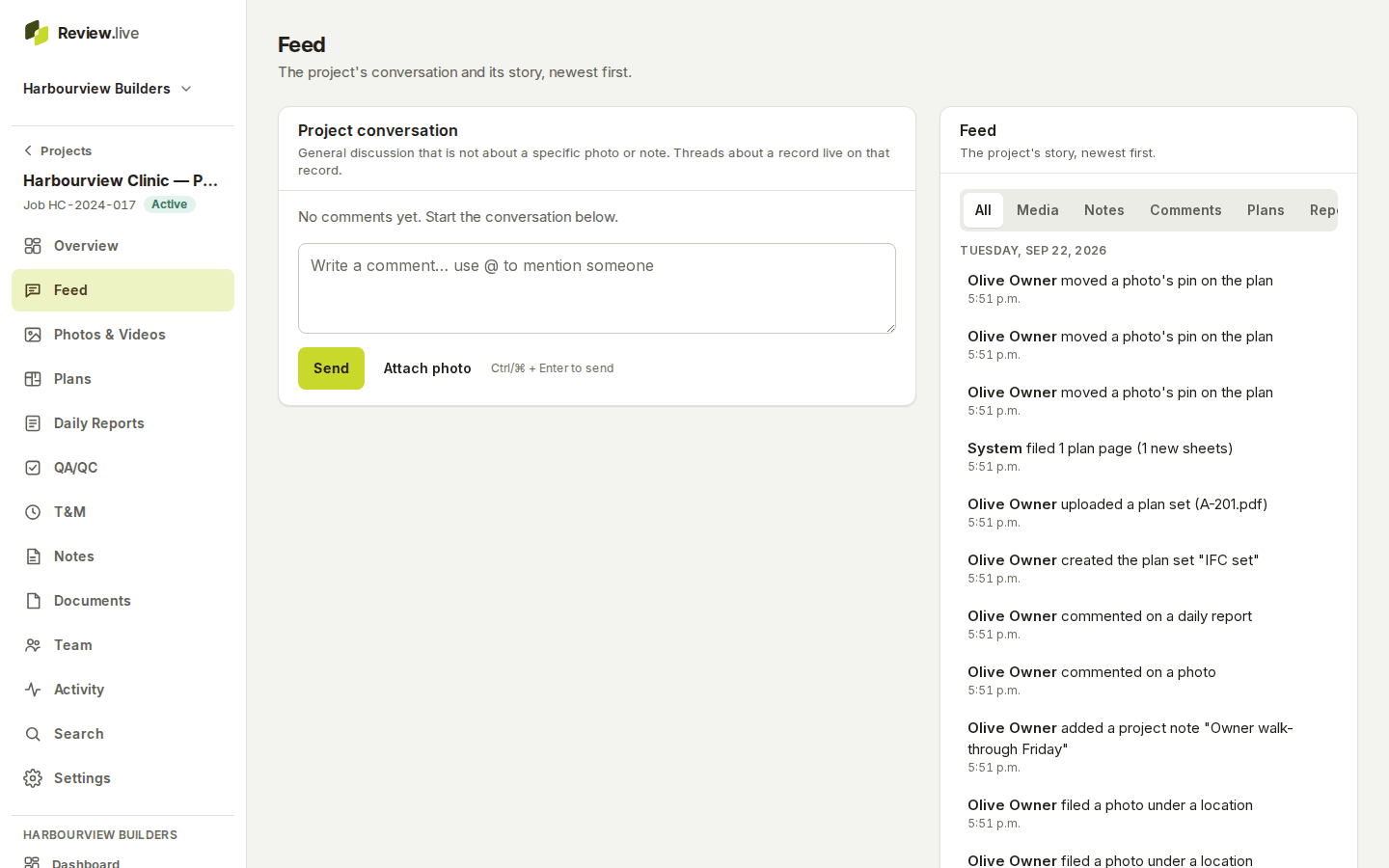
Every project has a general conversation for what is not about one record, beside a feed of everything that happened — photos filed, notes added, comments, plans uploaded, reports submitted — newest first, with a filter for each kind.
Search finds words in notes and comments along with photos, reports, inspections, T&M tickets and documents, in one project or across the company, with filters for kind, state, person, place and date. See photo documentation for how the photos themselves are found.
What a note and a comment hold
Each item below is a field the application stores today — the list comes from its schema, not from a plan.
- Note: title, body, tags, author and time
- Note: whether it is pinned, and the photos attached to it
- Note: every earlier version, and who deleted it and when
- Comment: what it is attached to — project, photo or video, note, plan location, report, inspection, T&M ticket or document
- Comment: the one it replies to, its author and time
- Comment: the people mentioned, and each earlier version
- Notification: what happened, where, by whom, and whether it was read
- Each person's choice of notifications in the app and by email
What it does not do
It is not a chat app: there are no channels, direct messages or calls, and nothing reaches people outside the company — a general contractor who signs a T&M ticket by emailed link sees the ticket, not the conversation about it. It does not translate, transcribe or summarise, and it does not import history from other tools.
From the learning library
The other parts
Start with one project
Create a company, add a project, invite the crew. Your records stay yours: readable and exportable for a year if access ever ends, and nothing is removed without notice — what happens to your records.