Extra work, recorded while it is still happening
A T&M ticket is written on the phone the day the work is done: what was asked, who did it and for how long, what equipment ran, what material went in, and the photos. The foreman signs it on site. The general contractor’s representative acknowledges it from their own phone through an emailed link and a six-digit code — no account, no app — and the signed record is frozen for both sides.

The ticket, line by line
Workers with a classification and regular and overtime hours; equipment with quantity and hours; materials with quantity and unit. A title, the work date, the area and location, who requested the work, and the description of it. Photos attach from the project’s gallery or straight from the camera. Totals are computed as the lines are typed.
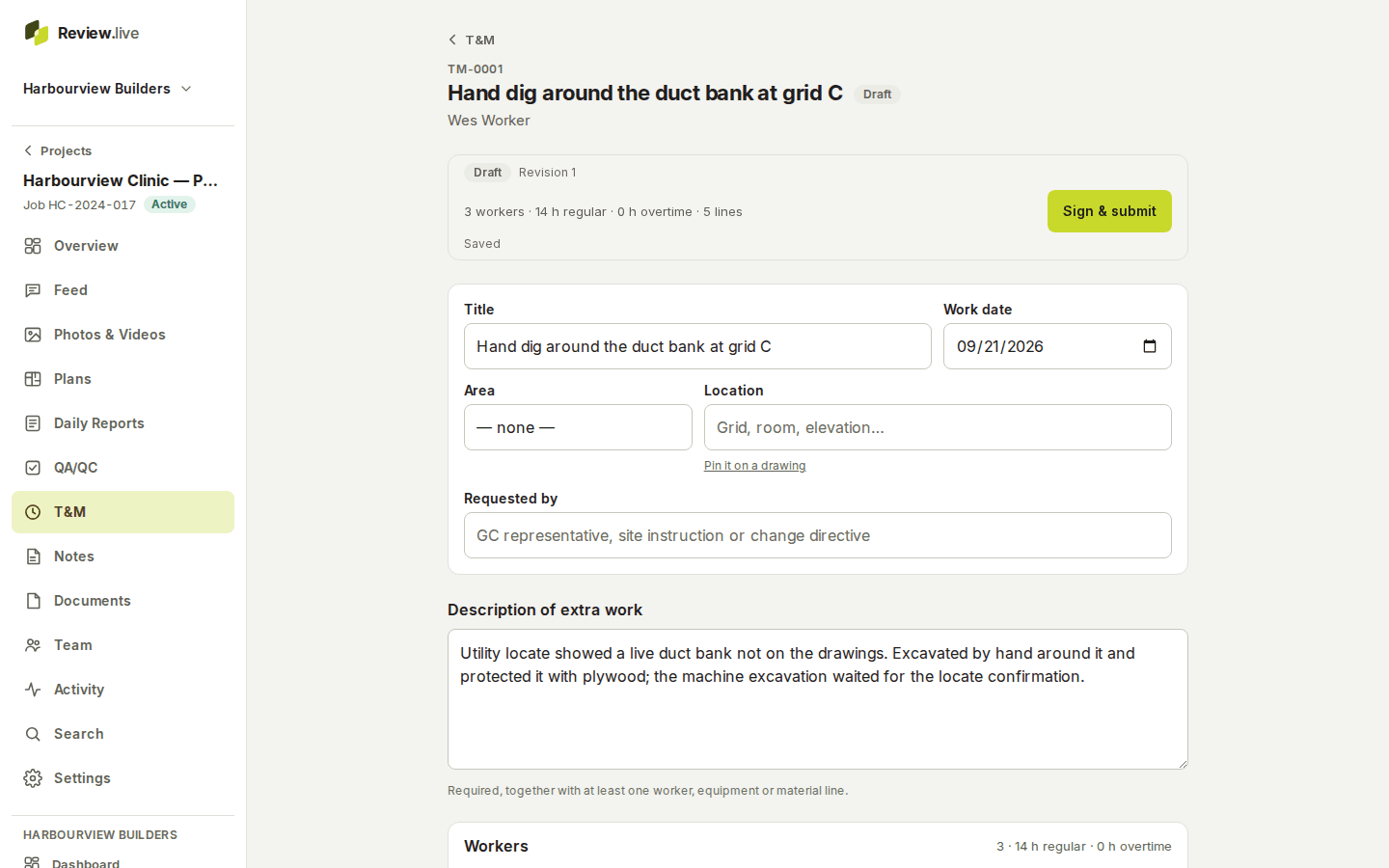
The foreman signs; the GC acknowledges from anywhere
Submitting needs at least one line and the foreman’s signature, drawn on the screen with a typed name and company. Then the ticket goes to the GC: a member of the project signs in the app; anyone else gets an emailed link that opens one record, on one phone, once — they verify a code sent to that email, see the frozen ticket, and sign or decline with a reason. The link expires, can be revoked, and only hashes of it are stored.
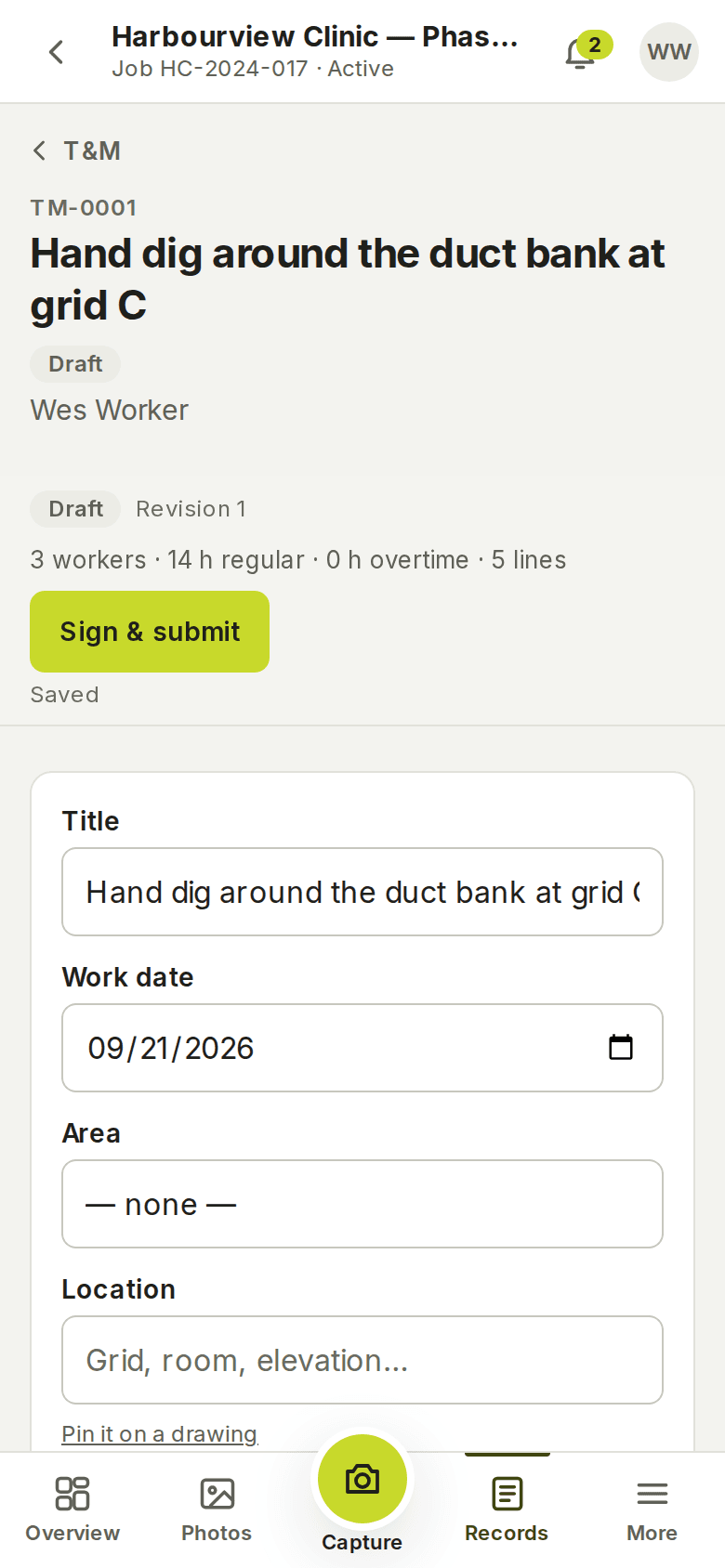
What the office sees that the field does not
Commercial approval and payment are separate states, readable by managers only: a ticket can be acknowledged by the GC and still be commercially pending, approved or rejected, and unpaid or paid. A foreman’s copy of the PDF carries no commercial figures. The frozen snapshot, the signatures and their checksums stay with the revision; a correction is a new revision.
What the record holds
Each item below is a field the application stores today — the list comes from its schema, not from a plan.
- Per-project number (TM-0001…), title, work date, area and location, who requested the work, description
- Labour lines: worker, classification, regular and overtime hours
- Equipment lines with quantity and hours; material lines with quantity and unit
- Attached photos; comments
- The foreman's signature and the GC's acknowledgement or decline, each bound to a revision and its checksum
- External signing links: scope, expiry, revocation, the verification method — with only hashes stored
- Commercial status and payment status, managers only
- The frozen snapshot of each revision; the PDF, with or without commercial figures
What it does not do
There are no rates or prices on a ticket: the product records quantities, hours and states, not money. Nothing is sent to an accounting system. The external signer’s identity is the email address the link was sent to and the code they received; the product does not verify identity documents. Photos on a ticket come from the same capture path as everything else — photos and video.
The other parts
Start with one project
Create a company, add a project, invite the crew. Your records stay yours: readable and exportable for a year if access ever ends, and nothing is removed without notice — what happens to your records.