What Review.live does, as it exists today
Eight parts of one product, each with a real screen from the running application. Nothing on this page is a roadmap; where a part has a limit, its page says so.
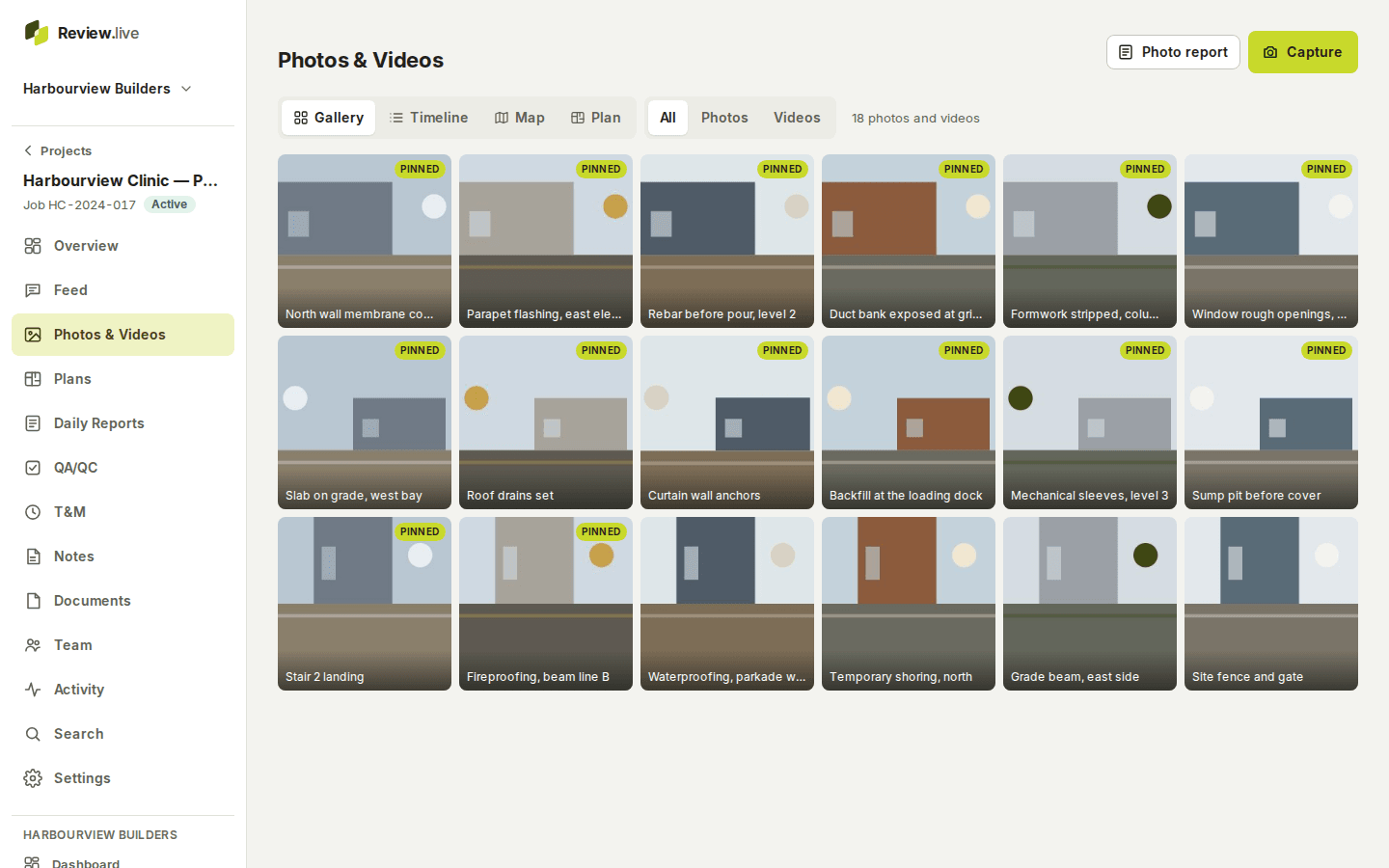
Photos and video
Captured on the phone, saved on the device first, uploaded on their own. Each keeps the time and where it came from, the GPS fix, the person, a description, a location and a point on the drawing; then it is in the gallery, timeline, map and plan views and in search.
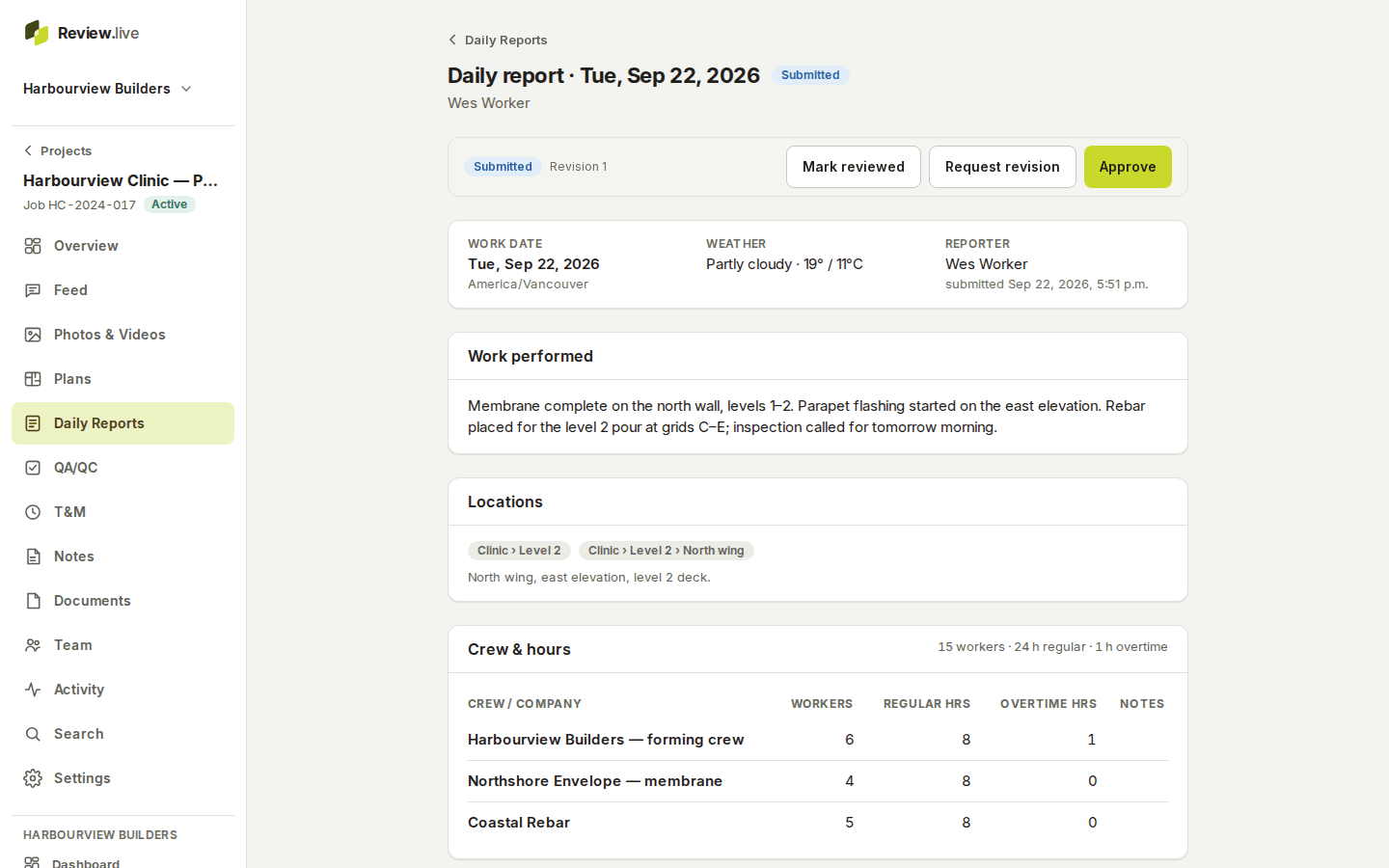
Daily reports
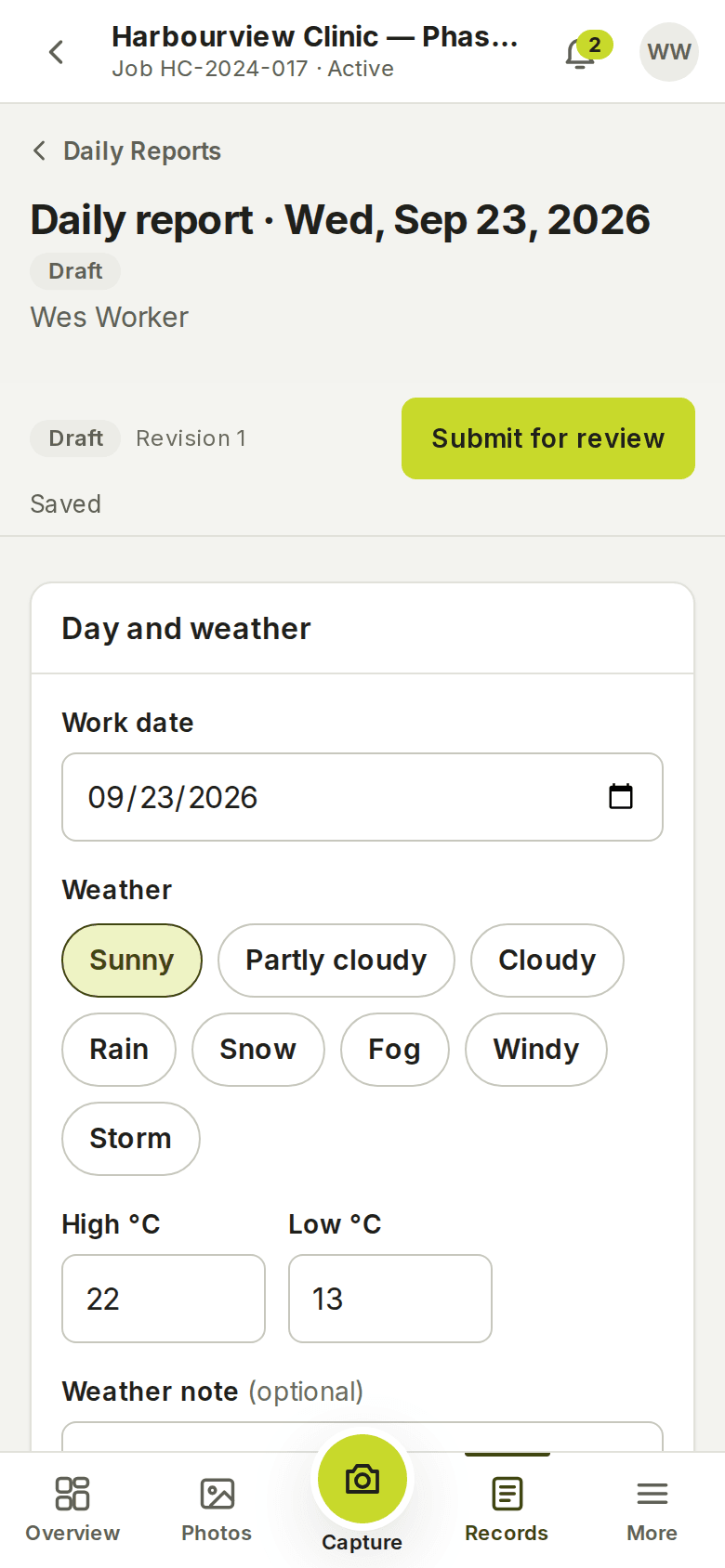
Weather, crew and hours, equipment, materials, deliveries, visitors, delays, safety, the work performed and the day's photos. Autosaved on the device; submitted, reviewed and approved with a revision history and a PDF.
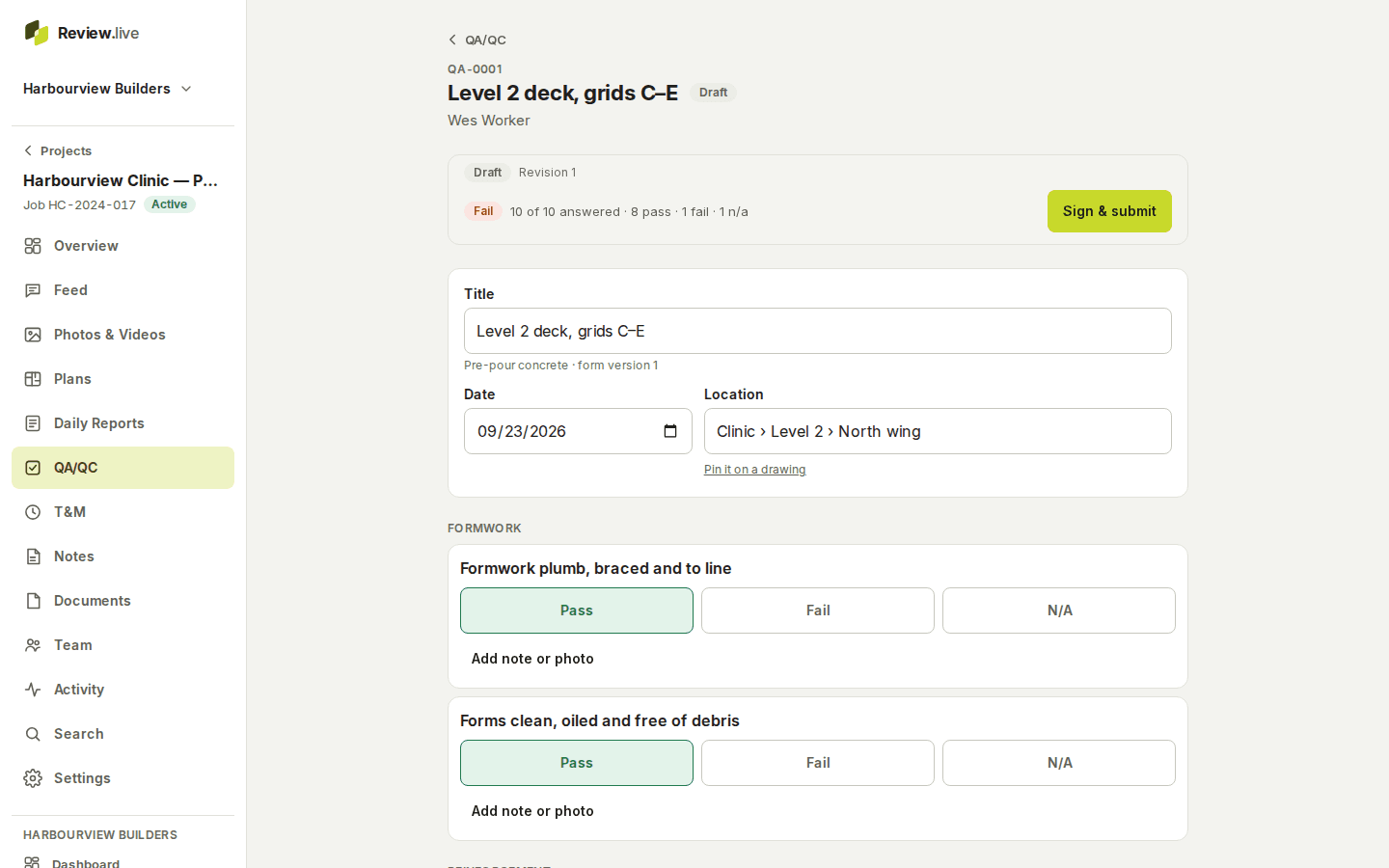
QA/QC inspections
Versioned checklists — six built in, plus the company's own — with Pass, Fail or N/A, a note and a photo per item; corrective actions with owners and due dates; the inspector's signature; a PDF of the frozen revision.
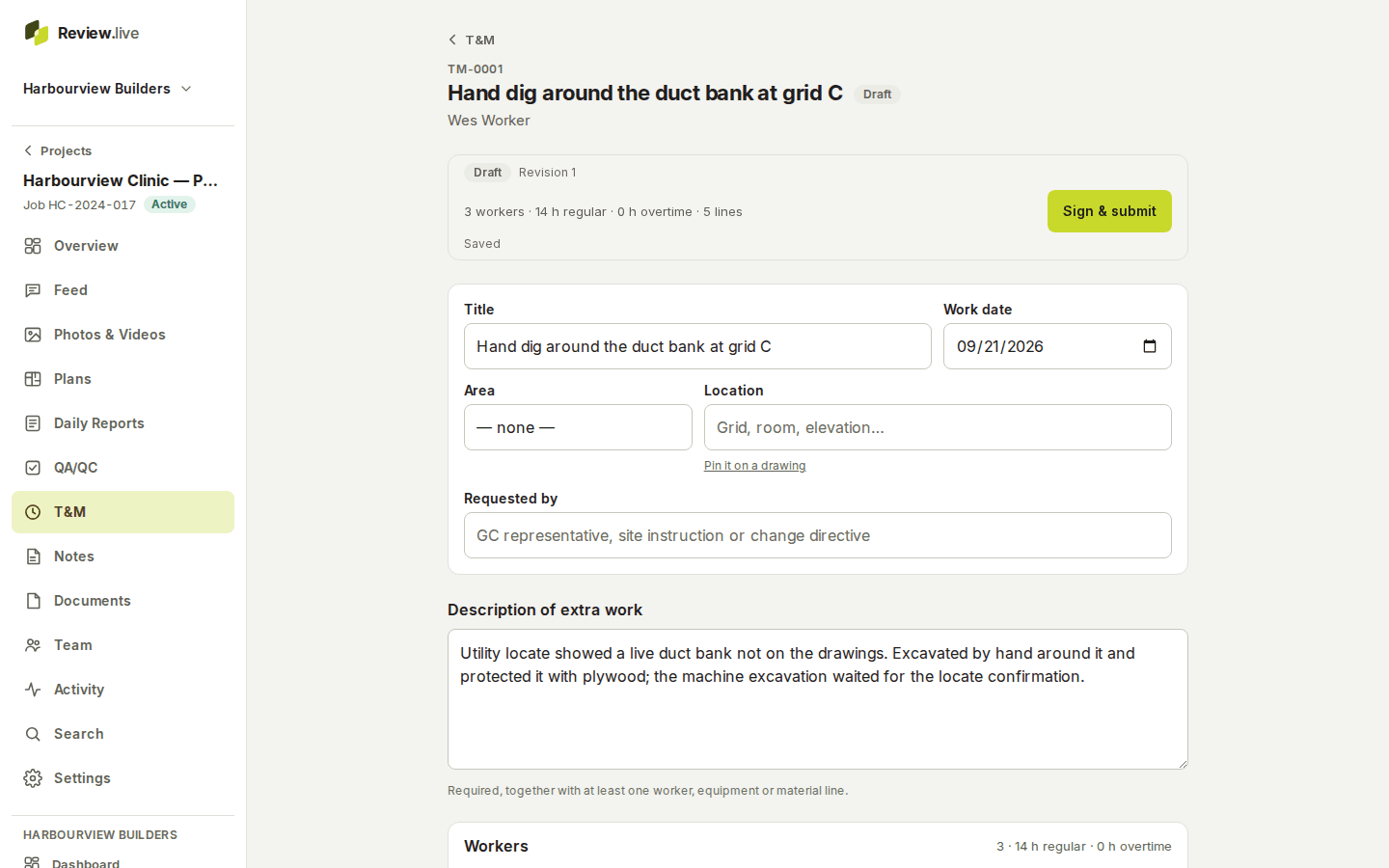
T&M records
Workers, hours, equipment, materials and photos for extra work, signed by the foreman on site and acknowledged by the GC from their own phone by emailed link and code. Commercial and payment states for the office only.
Plans and locations
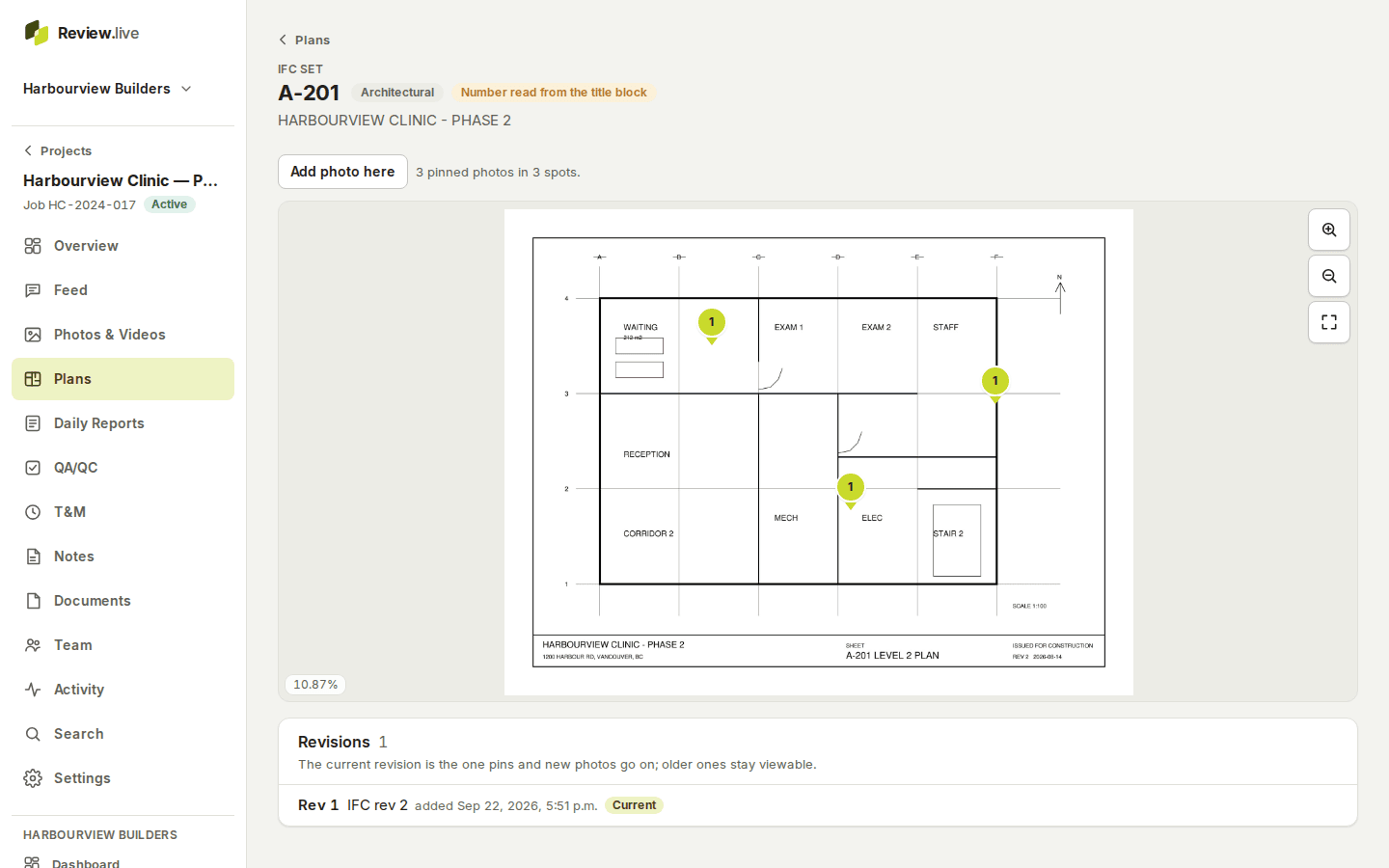
A PDF set becomes sheets with pins; new issues become revisions and old pins keep their place. Buildings, floors, areas and zones name every record's place, and a capture session places a run of photos at once.
Notes, conversations and the feed
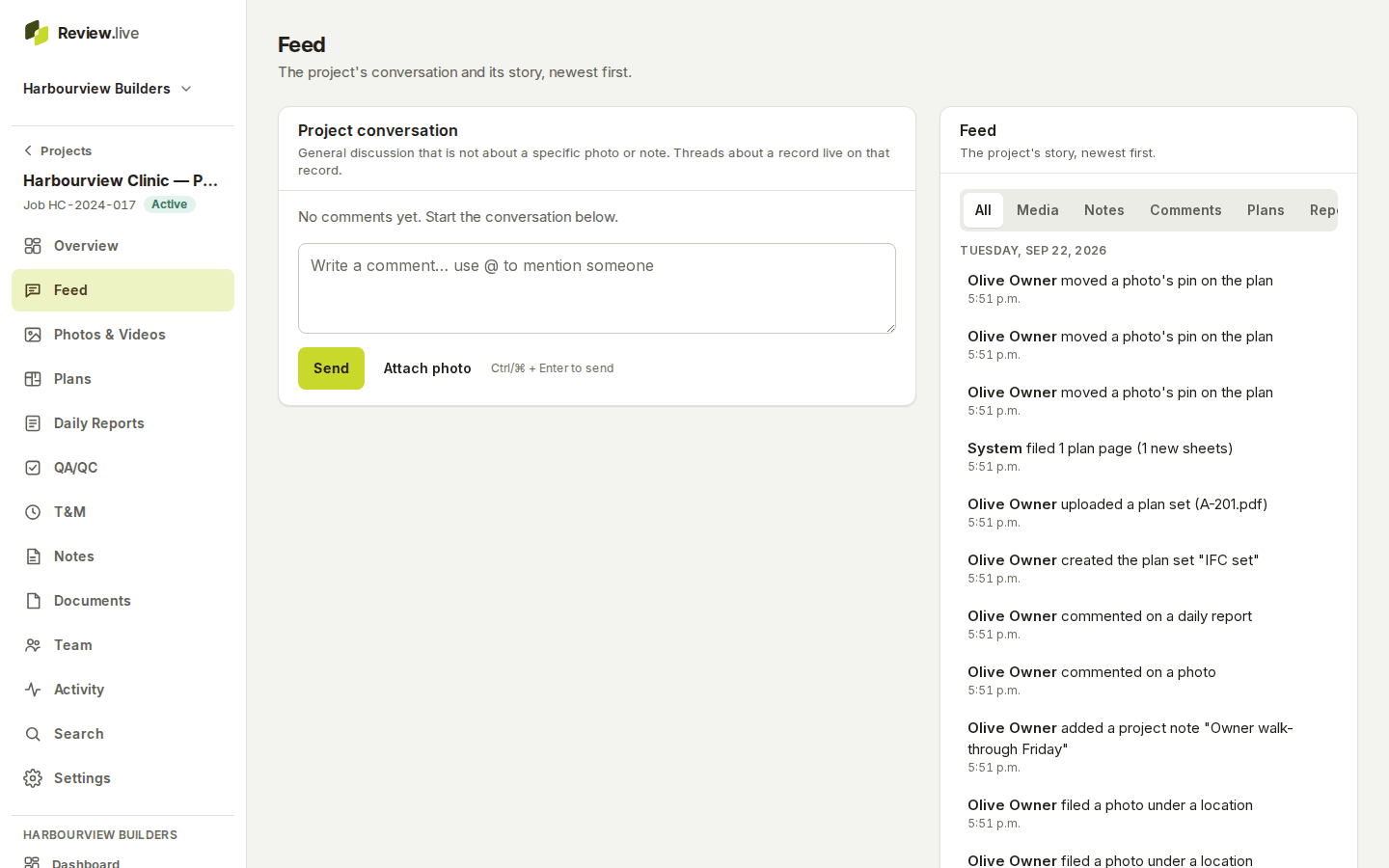
Project notes with tags, pinning and attachments; comments on any record with one level of replies and @mentions; notifications in the app and by email according to each person's preferences; a project feed of everything that happened, by category.
Works without a signal
Photos, notes, comments and form changes are written to the device first and sent when a connection is back; interrupted uploads resume from the part they reached. The app installs on a phone's home screen, and the On this device page shows what is still waiting.
Reports, exports and closeout
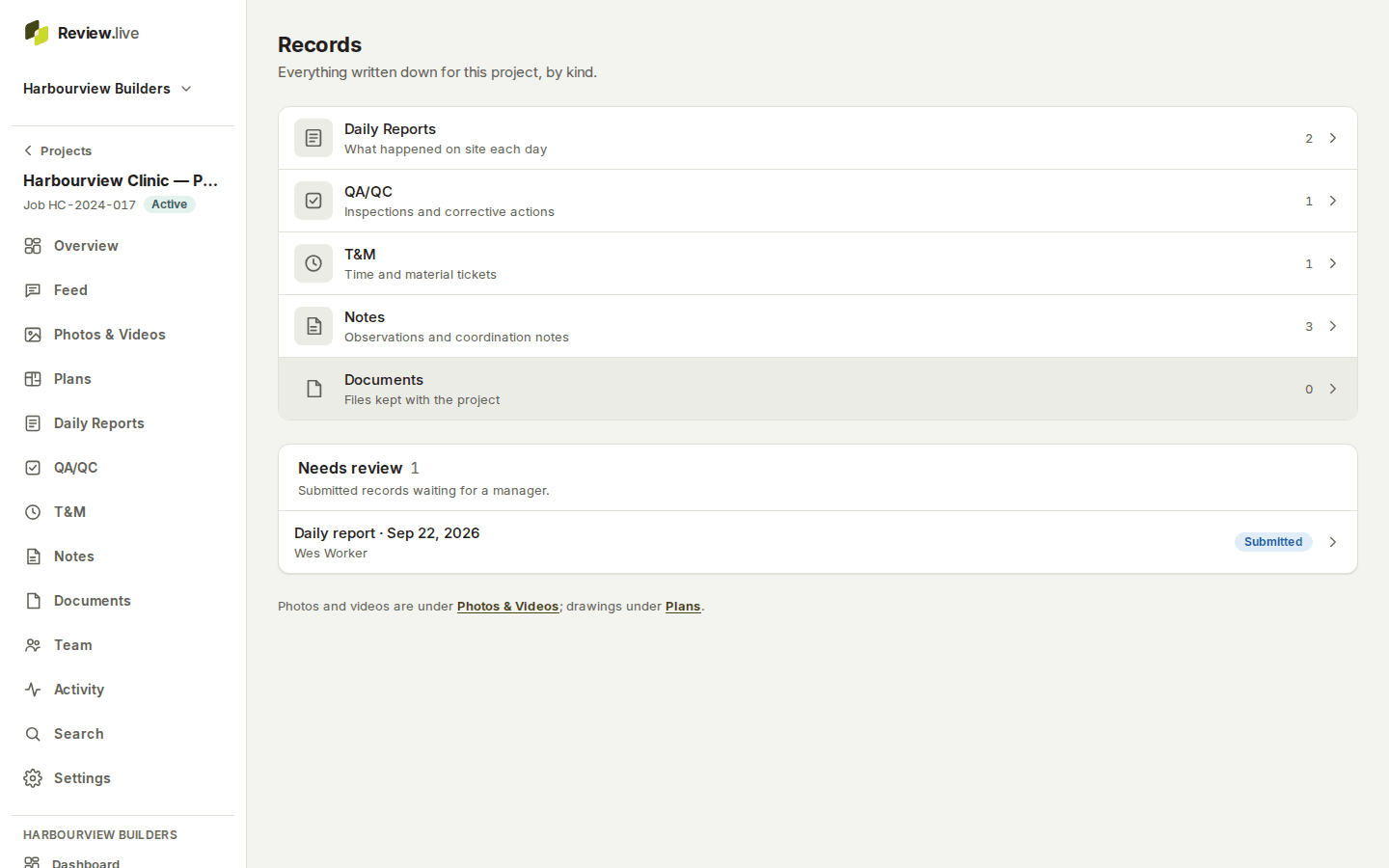
A PDF of any record's frozen revision, photo reports with the capture details, a project report for a period, a ZIP export of a project or a date range with a manifest and checksums, and the closeout archive at the end of the job — with the company's logo and colour.
Start with one project
Create a company, add a project, invite the crew. Your records stay yours — what happens to your records.